

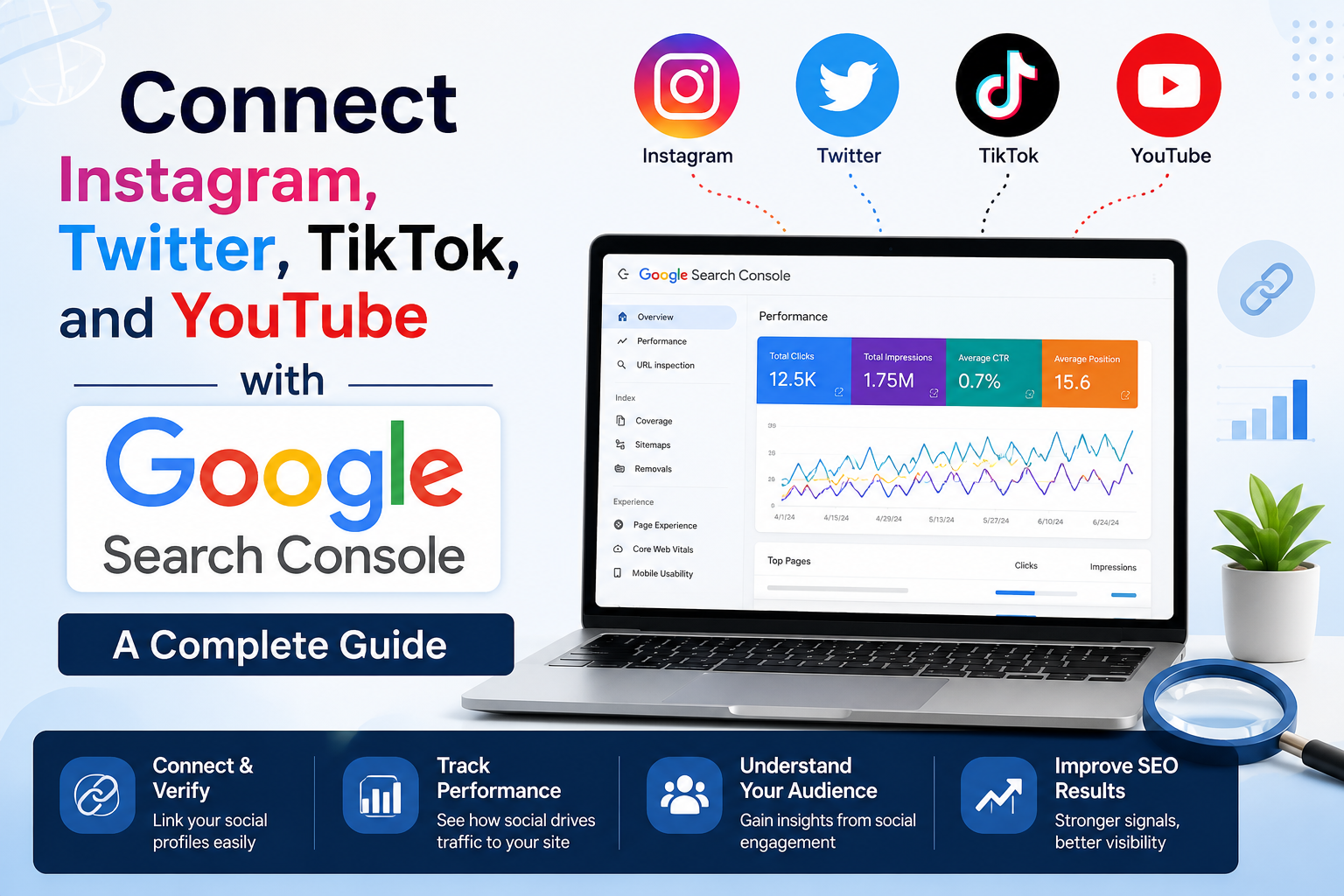
Connect Instagram, Twitter, TikTok, and YouTube with Google Search Console: A Complete Guide
Google Search Console has introduced a major update that makes it easier for creators, influencers, and businesses to monitor their social media presence in Google Search. With the new Platform Properties feature, you can connect your Instagram, Twitter (X), TikTok, and YouTube accounts directly to Google Search Console and view how your social content performs in Google Search.
In this guide, you’ll learn how to connect your social media accounts, verify ownership, understand the available reports, and use the insights to improve your online visibility.
What Is the New Google Search Console Social Media Update?
Google Search Console now supports Platform Properties, allowing eligible creators and brands to add supported social media profiles as properties.
Instead of monitoring only websites, you can now view search performance data for your connected social media accounts directly inside Google Search Console.
Currently supported platforms include:
- Twitter (X)
- TikTok
- YouTube
This update helps creators understand how often their public profiles and content appear in Google Search and which search queries are driving visibility.
Benefits of Connecting Social Media with Google Search Console
Connecting your social media accounts provides valuable search insights, including:
- Track Google Search clicks to your social profiles.
- View total impressions in Google Search.
- Discover keywords people use to find your content.
- Monitor click-through rate (CTR).
- Identify your best-performing posts and videos.
- Measure search visibility across multiple platforms.
- Improve your SEO and content strategy.
Requirements Before You Start
Before connecting your accounts, make sure:
- You have a Google Search Console account.
- You own or manage the Instagram, X, TikTok, or YouTube account.
- Your social profile is public.
- The account is eligible for verification.
How to Connect Instagram, Twitter (X), TikTok & YouTube with Google Search Console
Step 1: Open Google Search Console
Sign in using your Google account and open your Search Console dashboard.
Step 2: Add a New Property
Click Add Property from the property selector.
You’ll now see the new Platform Property option alongside traditional website properties.
Step 3: Select Your Social Platform
Choose the platform you want to connect:
- Twitter (X)
- TikTok
- YouTube
Step 4: Verify Ownership
Google will ask you to authenticate your account using the selected platform.
Once verification is complete, your profile is added to Search Console.
Step 5: Wait for Data Collection
Performance data usually begins appearing after Google processes your property. Historical data availability may vary depending on the platform and account.
What Data Can You See?
After connecting your accounts, Google Search Console provides several useful reports.
Performance Report
Track:
- Total Clicks
- Total Impressions
- Average CTR
- Average Position
These metrics help you understand how visible your social profile is in Google Search.
Search Queries Report
See the exact keywords users searched before clicking your profile or content.
Example:
- Digital Marketing Tips
- SEO Tutorial
- Instagram Growth
- YouTube SEO
- TikTok Marketing
Use these keywords to create future content.
Content Performance
Identify:
- Top-performing videos
- Popular posts
- Frequently discovered content
- High-impression content
- Trending pages
Insights Dashboard
The Insights section summarizes:
- Monthly growth
- Trending content
- Search visibility
- Performance improvements
- Audience discovery trends
Why This Update Matters for SEO
Social media profiles increasingly appear in Google Search results.
By connecting your accounts to Google Search Console, you can:
- Optimize profile names and descriptions.
- Improve keyword targeting.
- Discover what users are searching for.
- Create content around real search demand.
- Increase brand visibility.
Best Practices After Connecting Your Accounts
To maximize your results:
- Optimize your profile name with relevant keywords.
- Write SEO-friendly bios and descriptions.
- Publish high-quality, original content consistently.
- Use descriptive captions.
- Add relevant hashtags where appropriate.
- Keep branding consistent across platforms.
- Monitor Search Console reports regularly.
- Update older content based on search insights.
Common Issues and Solutions
Verification Failed
- Confirm you are signed in with the correct account.
- Ensure you have administrator or owner access.
- Make sure your profile is public if required.
No Performance Data
- Data may take some time to populate.
- New accounts may have limited historical information.
- Your content must be indexed by Google to appear in reports.
Property Not Supported
If your platform isn’t available yet, Google may still be rolling out support. Check periodically for updates.
Frequently Asked Questions
Can I connect Instagram to Google Search Console?
Yes. With the new Platform Properties feature, eligible Instagram accounts can be connected to Google Search Console.
Does Google Search Console support TikTok?
Yes. Supported TikTok accounts can be added as Platform Properties to monitor Google Search performance.
Can I connect my YouTube channel?
Yes. YouTube channels can be connected to track how they perform in Google Search.
Does Google Search Console track followers and likes?
No. It focuses on Google Search metrics such as impressions, clicks, CTR, and search queries. Platform-specific engagement metrics remain available in each platform’s analytics tools.
Is this feature free?
Yes. Google Search Console is free to use.
Final Thoughts
The introduction of Platform Properties marks an important step in how creators and businesses measure their online presence. Instead of relying only on website analytics, you can now understand how your Instagram, Twitter (X), TikTok, and YouTube accounts perform in Google Search.
By connecting your social profiles to Google Search Console, you gain valuable insights into search visibility, discover the keywords people use to find your content, and make smarter decisions to grow your audience. Whether you’re a content creator, marketer, or business owner, this feature helps bridge the gap between SEO and social media, giving you a more complete view of your digital performance.
Start connecting your social accounts today and use these insights to optimize your content, increase discoverability, and strengthen your overall online presence.
This version is written around the latest Google Search Console social media update and is structured for SEO with clear H2/H3 headings, FAQs, and keyword-rich sections suitable for ranking.


Comments are closed